.png)
Sign Up for Email Updates
Get an update when something new comes out by signing up below!
Thank you! Your submission has been received!
Oops! Something went wrong while submitting the form.
Most spec pages hide their numbers from AI. Use PropertyValue, TechArticle, and unitCode markup so models quote your technical product correctly.

Ask an AI assistant about your product's max operating temperature. There is a good chance it gives the wrong number, a competitor's number, or one from a datasheet you retired two years ago. The model is not lying. It is guessing, because your page gave it nothing firm to hold onto.
Most technical teams add the same three schema types and stop: Organization, Product, and maybe FAQPage. That covers your name and price. It does not cover the facts engineers actually ask about, like voltage range, API rate limits, supported protocols, or which firmware version fixed a bug.
Those facts live in tables, PDFs, and prose. To a crawler building an answer, a table cell that says "3.3" next to a header that says "V" is a weak signal. Is it the minimum, the typical, or the max? Schema can answer that directly.
Search engines rank pages. AI systems pull claims out of pages and stitch them into an answer. A page can rank well and still get paraphrased badly.
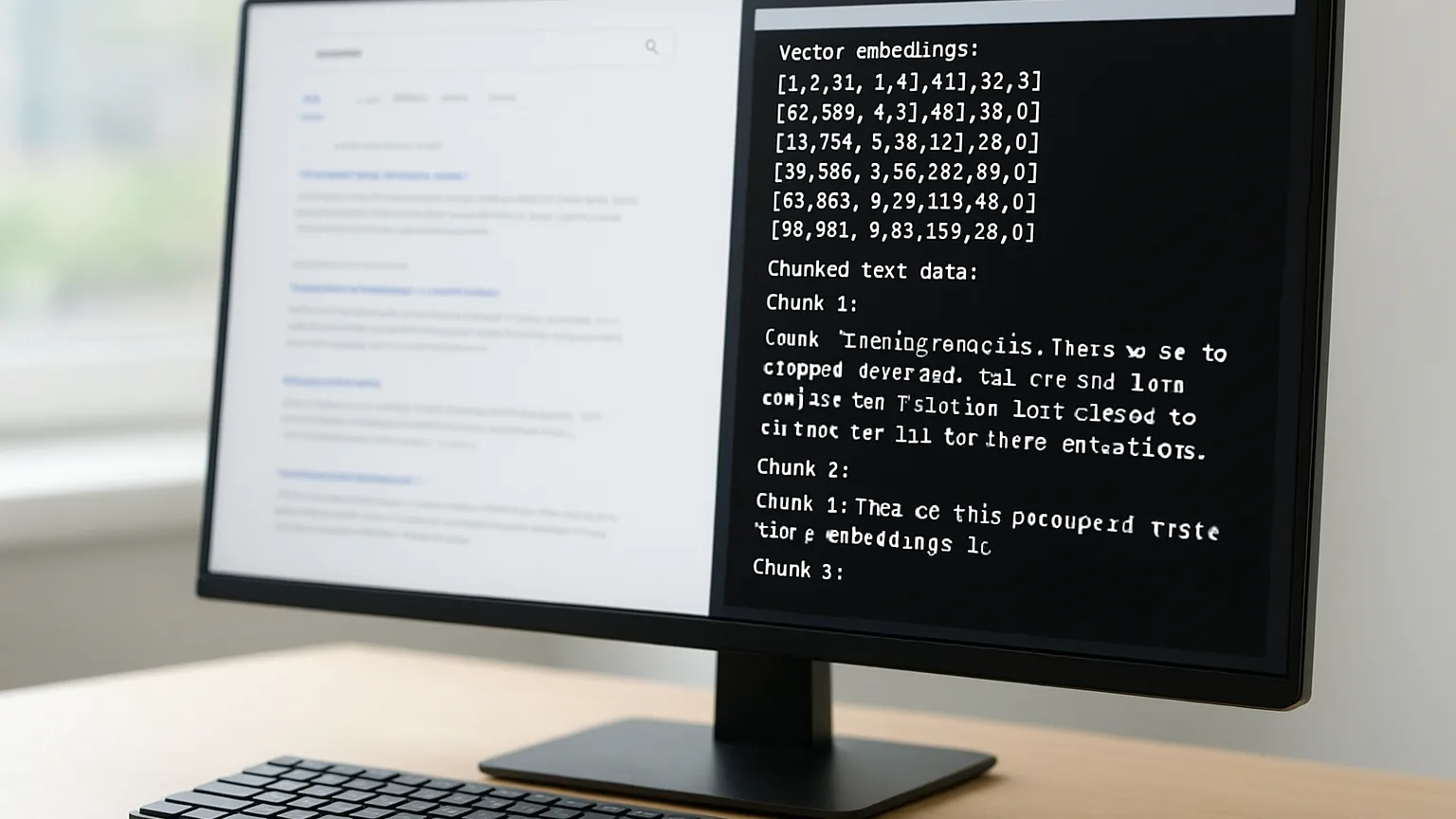
Part of the problem is where models get their facts. Some come from what the model learned long ago, and some come from live retrieval at the moment of the question. The split between training data vs. search data matters here, because structured data mostly helps the live retrieval side. That is the side you can still fix this quarter.
When retrieval systems find clean, typed facts, they tend to reuse them as written. When they find loose text, they summarize, and summaries are where units get dropped and ranges turn into single numbers.
These types and properties are fully valid in the spec and almost never appear on technical product sites:
None of these earns a fancy search result on its own, which is exactly why teams ignore them. Their value is quieter: they turn your facts into data a machine can quote without guessing.
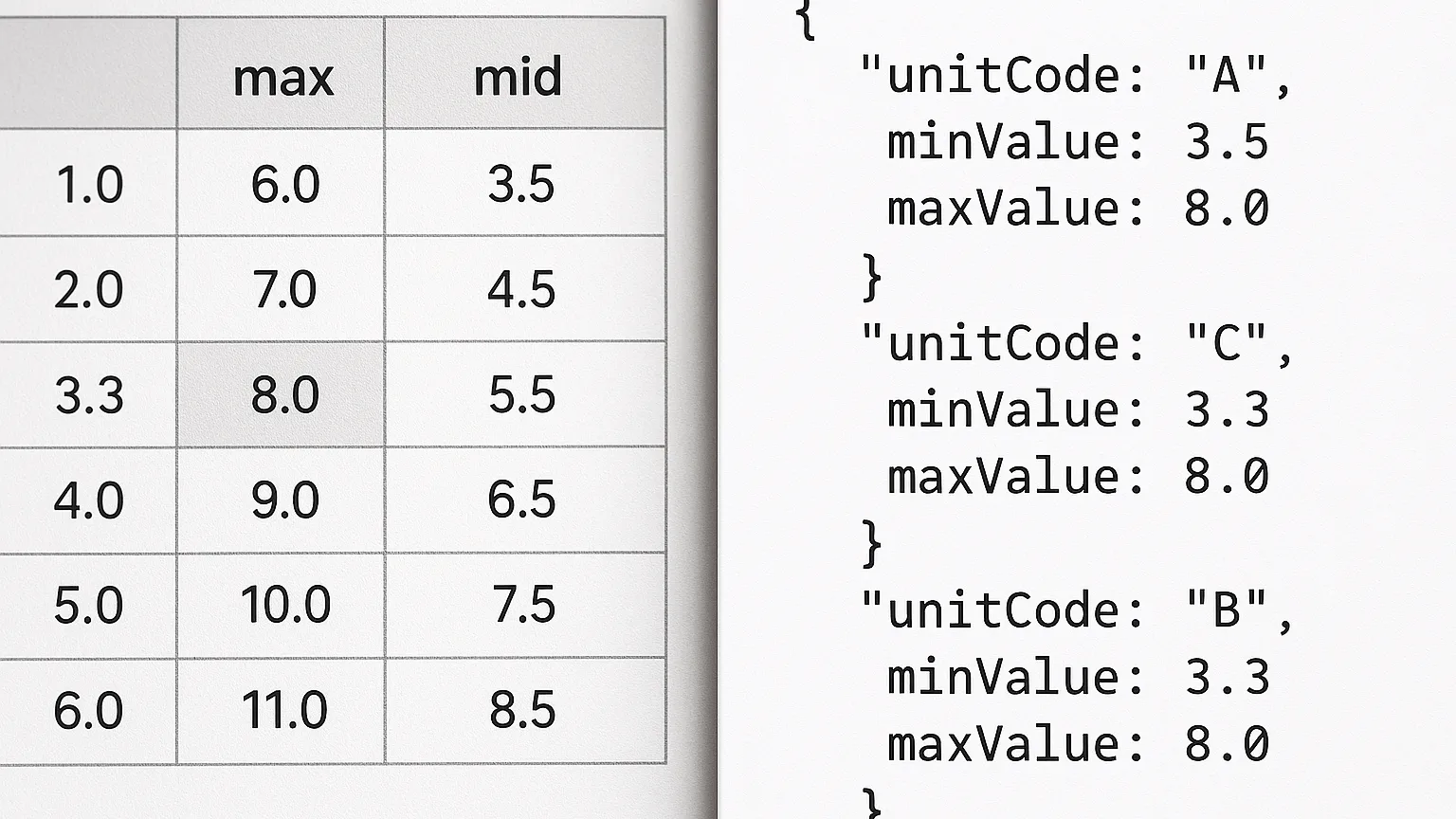
Below are working patterns for the three page types cited most often in technical answers. Each example is written as JSON-LD, which you place in a script tag of type application/ld+json in the page head or body.
The datasheet is where most misquotes start. The fix is to attach each spec to your Product through additionalProperty, using PropertyValue objects. Here is a short sample for a sensor:
{"@type": "Product", "name": "RX-40 Pressure Sensor", "sku": "RX-40-A", "additionalProperty": [{"@type": "PropertyValue", "name": "Operating temperature", "minValue": -40, "maxValue": 125, "unitCode": "CEL"}, {"@type": "PropertyValue", "name": "Supply voltage", "minValue": 2.7, "maxValue": 5.5, "unitCode": "VLT"}]}
The unitCode values come from the UN/CEFACT common codes: CEL means degrees Celsius and VLT means volts. Using codes instead of free text removes the "is that F or C?" problem entirely. Add a propertyID if your industry has a standard identifier for the spec.
If your only datasheet is a PDF, put the key specs on an HTML page with the markup above, and link the PDF from that page. Models read HTML far more reliably, and the HTML version becomes the one they cite.
Docs pages answer "how do I" questions. TechArticle lets you state what the reader needs before they start, which helps an AI match the right page to the right question.
{"@type": "TechArticle", "headline": "Configuring TLS on the RX Gateway", "proficiencyLevel": "Expert", "dependencies": "RX Gateway firmware 4.2 or later", "dateModified": "2026-10-14", "about": {"@type": "SoftwareApplication", "name": "RX Gateway Firmware", "softwareVersion": "4.2.1"}}
The dependencies field is the hero here. When a user asks how to set up TLS on firmware 3.x, a model that sees "4.2 or later" has a reason to say "upgrade first" instead of giving steps that will fail. That one field prevents a whole class of bad answers.
Give each major docs version a stable URL and its own dateModified, and mark the current version clearly. Old versions should not compete with new ones for the same question.
Comparison pages get quoted constantly, because people ask "X vs Y" all the time, yet most are plain HTML tables with no structure behind them. Two patterns help:
Keep property names identical across every product. If one model says "Max temp" and another says "Operating temperature," the model may treat them as different facts. Consistent naming is what lets an assistant build a clean side-by-side answer.
Only mark up competitor products with facts you can show on the page and back up. Markup that disagrees with the visible text is a trust problem for both search engines and AI systems.
Questions about how this applies to your listening setup?
Ask an EngineerEvery Resonessence DAC starts on our own bench, where our engineers tune digital filters, clocking and output stages until playback sounds like the room it was recorded in. Tell us about your system and we will point you to the right converter.

Schema is not a one-time task. Specs change, firmware ships, and old numbers linger. The teams that get cited accurately treat markup like code: it lives in version control and changes when the product changes.
Hand-written JSON-LD drifts. Someone updates the visible table, forgets the script block, and within a few months the page says one thing and the markup says another.
The better path is to generate both from the same place. If your specs live in a PIM, a product database, or even a YAML file in your docs repo, render the HTML table and the JSON-LD from that single record, so one edit updates both. This is the most important habit in this article, and it costs very little once it is set up.
Validation tools will tell you if your JSON is well formed. They will not tell you if an AI quotes it correctly. Run both kinds of checks:
Over a few cycles, patterns emerge. Often the wrong answer comes from a distributor page that copied an old datasheet. You cannot mark up their site, but you can ask them to update it and make your own page the clearer source.
AI answers usually name only a few sources, not ten blue links. The same pattern shows up in local search, where assistants trim results down to a tight shortlist of recommended businesses based on consistency and trust signals. Technical products face the same squeeze. If three pages state your specs and only one states them clearly, that one wins the citation.
So consistency across every page you control matters as much as the markup itself. Your product page, docs page, datasheet page, and comparison page should all use the same property names, units, and values. Any mismatch gives a model a reason to doubt all of them.
The biggest is marking up specs that do not appear on the page. Search engines may ignore it, and it erodes trust. Close behind are free-text units like "deg C" instead of unitCode, which bring back the guessing you were trying to remove, and a frozen dateModified that makes fresh pages look stale. Finally, do not stuff every page with every schema type. Use the types that match what the page actually is.
Large language models misquote technical products because spec pages speak to humans and leave machines guessing. The fix is a handful of schema types most teams never touch: PropertyValue with unitCode and ranges for datasheets, TechArticle with dependencies for docs, and ProductGroup with consistent property names for comparisons. Each one replaces a guess with a stated fact.
The lasting win comes from process, not one big markup push. Generate your JSON-LD from the same data that builds your visible tables, keep names and units identical across every page, and test real customer questions against AI assistants on a regular schedule. Do that, and the next time someone asks about your product's limits, the answer they get will be the one your engineers wrote.
Want more updates like this from our lab?
Browse the NewsroomProduct news, firmware notes and research from the people who design our converters.